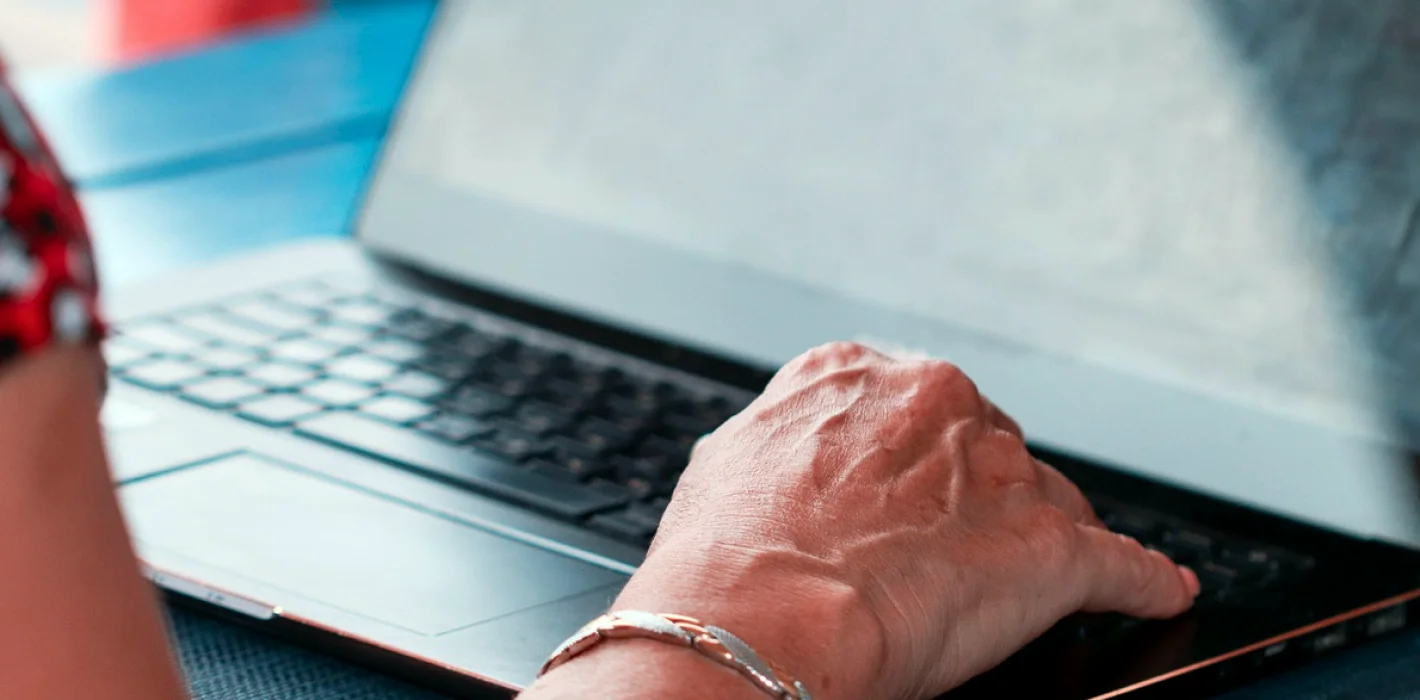
Walter and the Online Banking Login He Was Afraid to Touch
A retired machinist named Walter came to class sure that online banking was not for him. This is how a few quiet weeks of practice changed what he does on Tuesday mornings.
The man who kept his bank book in a drawer
Walter joined one of our Everyday Technology Explained groups in the early weeks of autumn. He is in his seventies, spent his working life as a machinist, and he told the class plainly that he trusted anything he could hold in his hands. His bank book lived in a kitchen drawer, and he drove to the branch every second Friday to have it updated.
What brought him to us was not curiosity. His daughter lives two provinces away and had asked him more than once to look at a statement together over the phone. He kept saying he would sort it out later. When he finally signed up, he arrived with a list of worries written on the back of an envelope, and the first one read: what if I press the wrong thing and the money goes somewhere.
Starting with the fear, not the screen
In the first session we did not open a bank website at all. I asked Walter to read me the first worry on his envelope, and we spent a good part of the hour on that single question. We talked about what a bank login page actually does, why most buttons only show information, and which steps ask you to confirm before anything is sent.
Only then did we look at a practice page that mimics a banking screen, with no real accounts behind it. Walter clicked through it slowly, narrating each choice aloud like a man checking a machine before switching it on. By the end he had pressed every button on the page and discovered that nothing alarming happened. He laughed and said it felt like finding out the dog does not bite.
- Read the worry out loud before touching anything
- Practise on a screen with no real money behind it
- Name each button before pressing it
Passwords, and the notebook that stayed
The next stretch was the part Walter dreaded most: choosing a password he could remember and nobody else could guess. We did not ask him to memorize a string of symbols. We built a long phrase from words that mean something to him, a line about his old workshop and a number that is not a birthday, and he wrote it in a small notebook kept at home, not in his wallet.
I want to be honest that a paper notebook in a locked drawer is a reasonable choice for many people at home, provided it is not labelled and not carried around. Walter liked that we did not tell him his habits were wrong. We adjusted them, and he left that evening with a login he could type without hunting for the envelope.
The first real login, with a friend beside him
In week three Walter logged in to his real account for the first time, at the class table, with me sitting beside him and saying very little. His hands were steady. He checked his balance, found the list of recent transactions, and noticed a charge he did not recognise. For a moment his face fell.
That was useful, because it let us practise what to do next. We looked at the details together, and it turned out to be a monthly subscription his wife had set up years ago. He said he would ask her. Nothing was lost, and he understood how to look closer instead of panicking, which mattered more than the login itself.
- Check the balance and the recent list first
- Open any unfamiliar charge for its details
- Ask someone in the household before assuming the worst
What changed at home
Walter told us a few weeks later that he now looks at his accounts on Tuesday mornings with a cup of coffee. He no longer drives to the branch to have the bank book updated, although he still keeps it, and says he likes knowing it is there. He also set up a government account to read his tax notices, which we covered in the same module.
His daughter called him from the other province and they went through a statement together, each on their own screen. He sent us a short note afterwards saying it was the first time he had helped her instead of the other way round. We do not promise outcomes like this, because every learner moves at their own pace, but we do see this kind of quiet progress often.
What we took from Walter's weeks
Walter reminded me why this module starts with feelings before features. Most adults do not struggle because they are slow. They struggle because nobody has let them practise somewhere safe, with someone patient, at a pace that suits them. Streaming, smart devices and government accounts follow the same pattern as banking: name the fear, rehearse the steps, then try the real thing.
If you recognise yourself in Walter, the module is built for exactly that. We keep groups small, we repeat things without sighing, and we never ask anyone to rush. The envelope with the list of worries is welcome in class, and we will read every line.
- Practise first, then do it for real
- Keep notes in your own words
- Bring your worries to the first session
Walter did not become a different person in a few weeks. He became a man who checks his accounts calmly, asks about a strange charge instead of ignoring it, and helps his daughter with a statement over the phone. That is the kind of ordinary, useful progress Everyday Technology Explained aims for, one patient session at a time.
Eleanor Whitfield
Lead Instructor, Computer SkillsEleanor has taught adult computer classes for over a decade and designs the beginner curriculum.
Keep reading
-
Your First Hour at the Computer: Keyboard, Mouse and Saving a File
A step-by-step walk through the first hour at a computer: sitting comfortably, using the mouse and keyboard, and saving a first document where you can find it again.
-
Getting Your Smartphone Ready for the Colder Months
Practical autumn advice from Eleanor Whitfield on preparing a smartphone for winter: battery care, storage, photos, maps and the small settings that save frustration when snow arrives.
